

Sorting leads
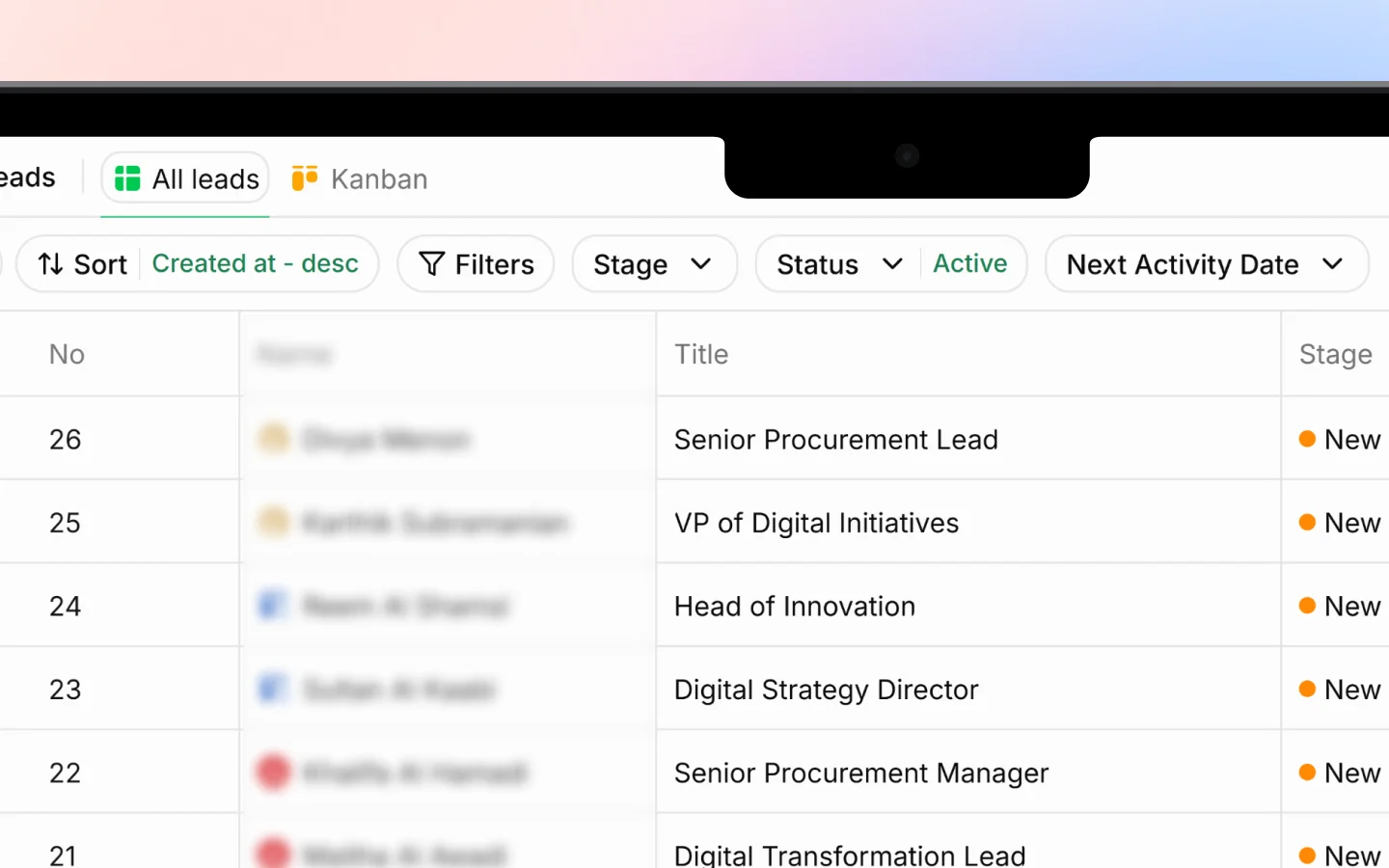
Click Sort in the toolbar to choose how your leads are ordered. You pick a field and a direction.Sort by
- Created at orders by when the lead was added (the default)
- Name orders alphabetically
- Value orders by estimated deal value
Direction
- Ascending goes from low to high, oldest to newest, or A to Z
- Descending goes from high to low, newest to oldest, or Z to A
Filtering by stage
Click Stage to show only leads at certain points in your pipeline. Tick one or more stages:- New
- Followed up
- Contacted
- Demo Done
- Unqualified
- Junk
- Converted
Filtering by status
Click Status to switch between:- Active shows your live leads (the default)
- Archived shows leads you have archived but not deleted
Filtering by next activity date
Click Next Activity Date to focus on leads that need attention within a time window:- Today
- Tomorrow
- Next 7 Days
- Next 30 Days
- Custom for a specific date range you choose
More filters
Click Filters for additional ways to narrow your leads:- Created at filters by when leads were added
- List filters by a saved list the lead belongs to
- Assigned to filters by the team member assigned
- Owners filters by lead owner
- Sources filters by where the lead came from
- Lost Reasons filters leads marked unqualified by their reason
Searching
For finding one specific lead rather than a group, use the search icon in the toolbar. Search matches the lead’s name and other key details, and works alongside any filters you have applied.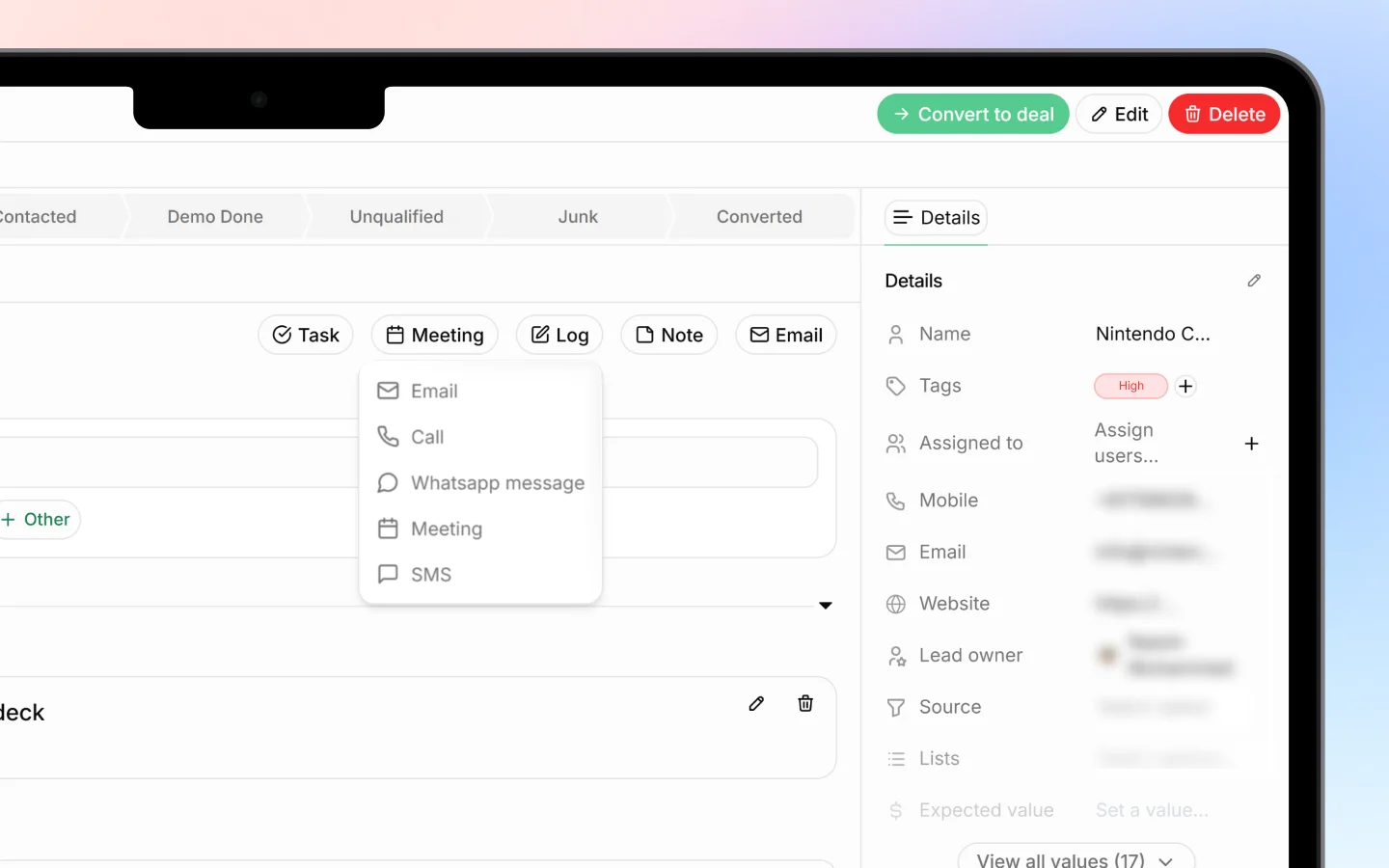
Combining filters and sorting
Filters and sorting stack. For example, you can:- Filter to Stage: Contacted and Next Activity Date: Next 7 Days, then Sort by Value, Descending, to see your highest-value contacted leads needing follow-up this week.
Clearing filters
Each filter dropdown has its own Clear option to remove just that filter. Remove filters one at a time to widen your view gradually, or clear them all to return to your full lead list.What to do next
- Save a group of leads as a List for quick repeat access
- Add notes and tags to organize leads further
- Convert qualified leads into deals