

Core modules
These are the modules that power most businesses on Heffl.CRM (Customer Relationship Management)
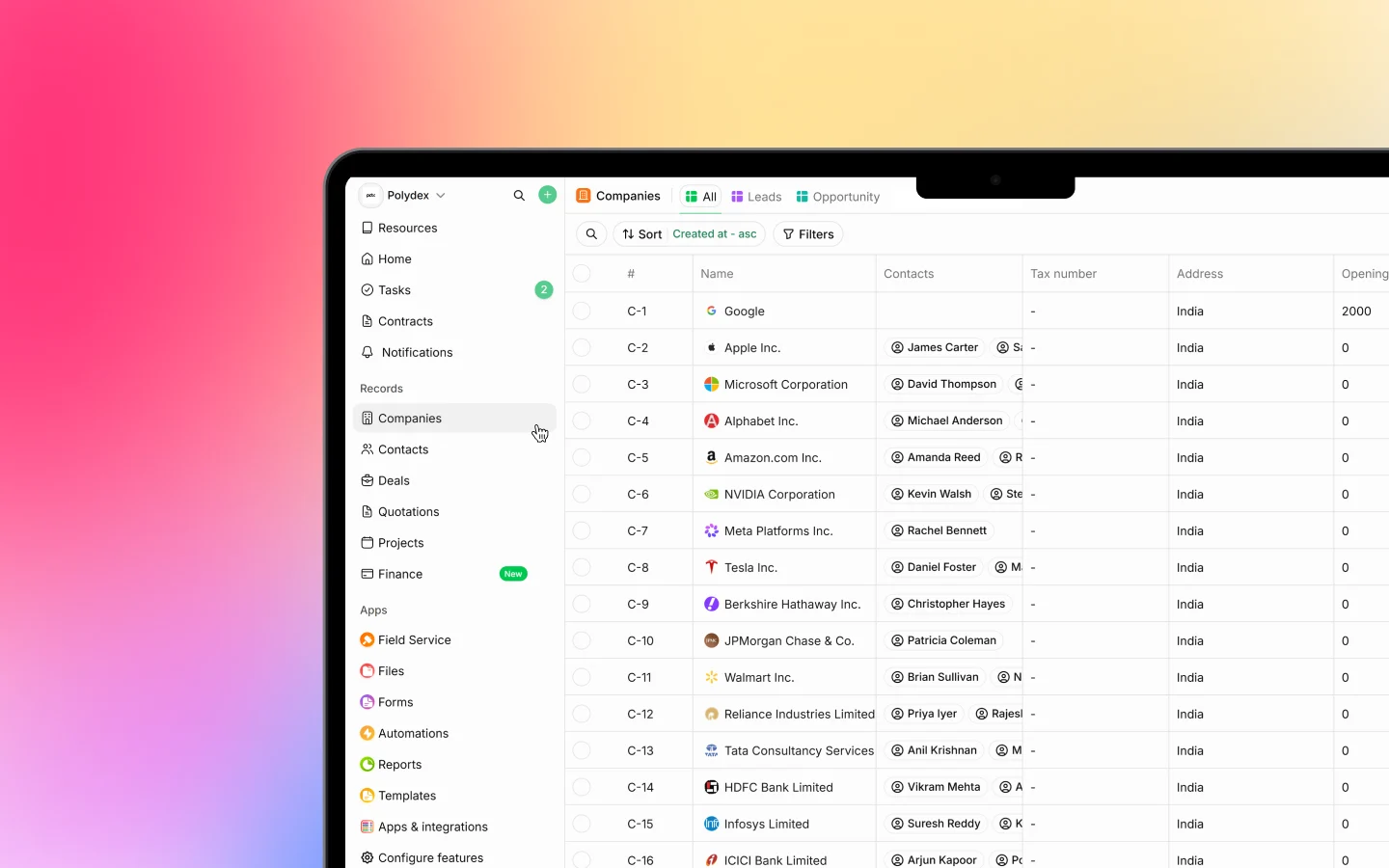
Manage your customer relationships from first contact to long-term client, tracking every interaction so no follow-up is missed.- Leads: capture and track potential customers
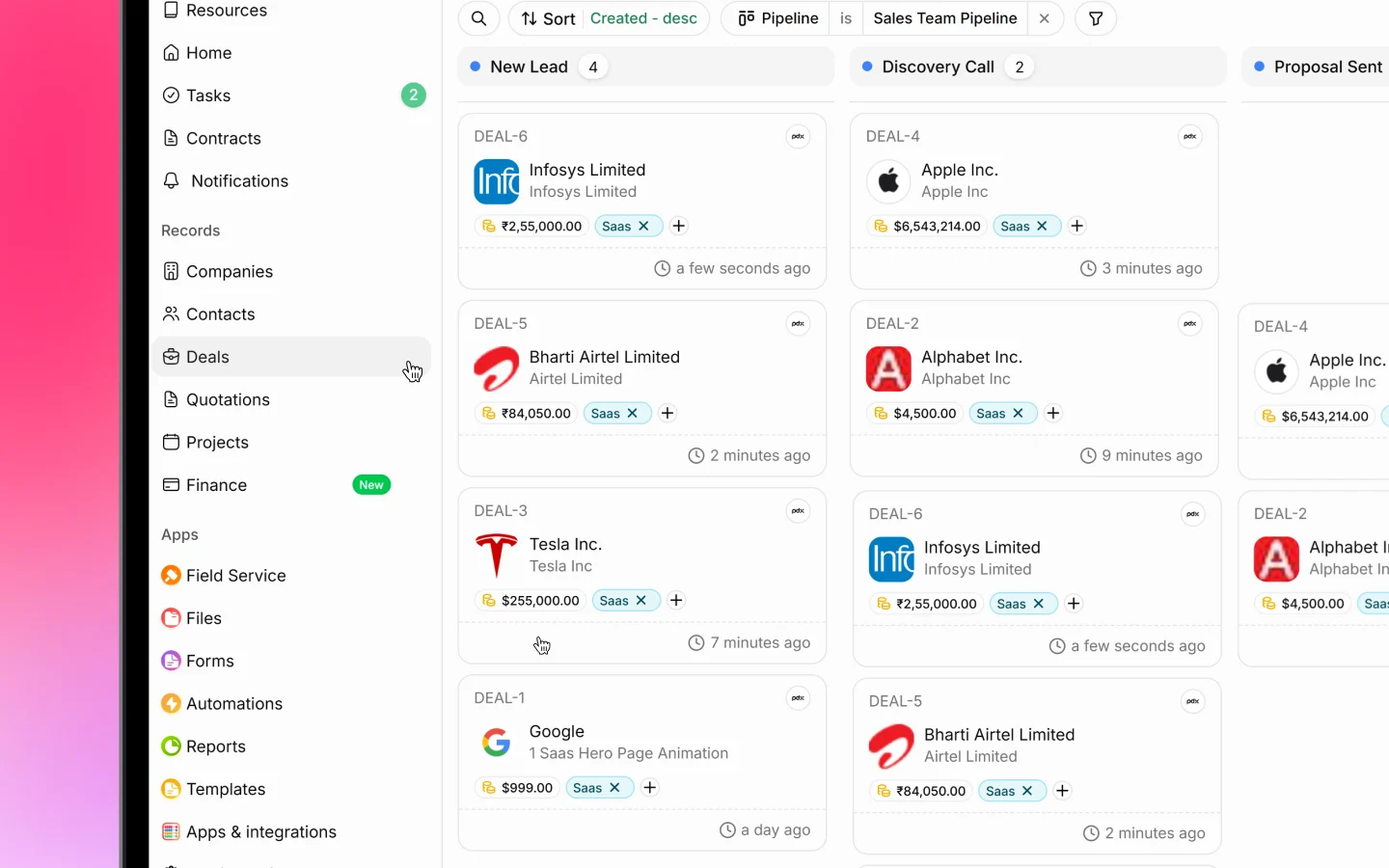
- Deals: manage your sales pipeline through visual stages
- Companies and Contacts: store complete client information and history
- Dashboard: view key metrics and activity
Sales and Finance
Handle everything from quotes to payments, creating professional documents in minutes and tracking each transaction.- Quotations: create and send professional quotes
- Invoices and Proforma: bill clients and track payment status
- Payments: record receipts and manage outstanding balances
- Products: maintain your catalog of products and services
- Recurring invoices: bill on a schedule automatically
Projects
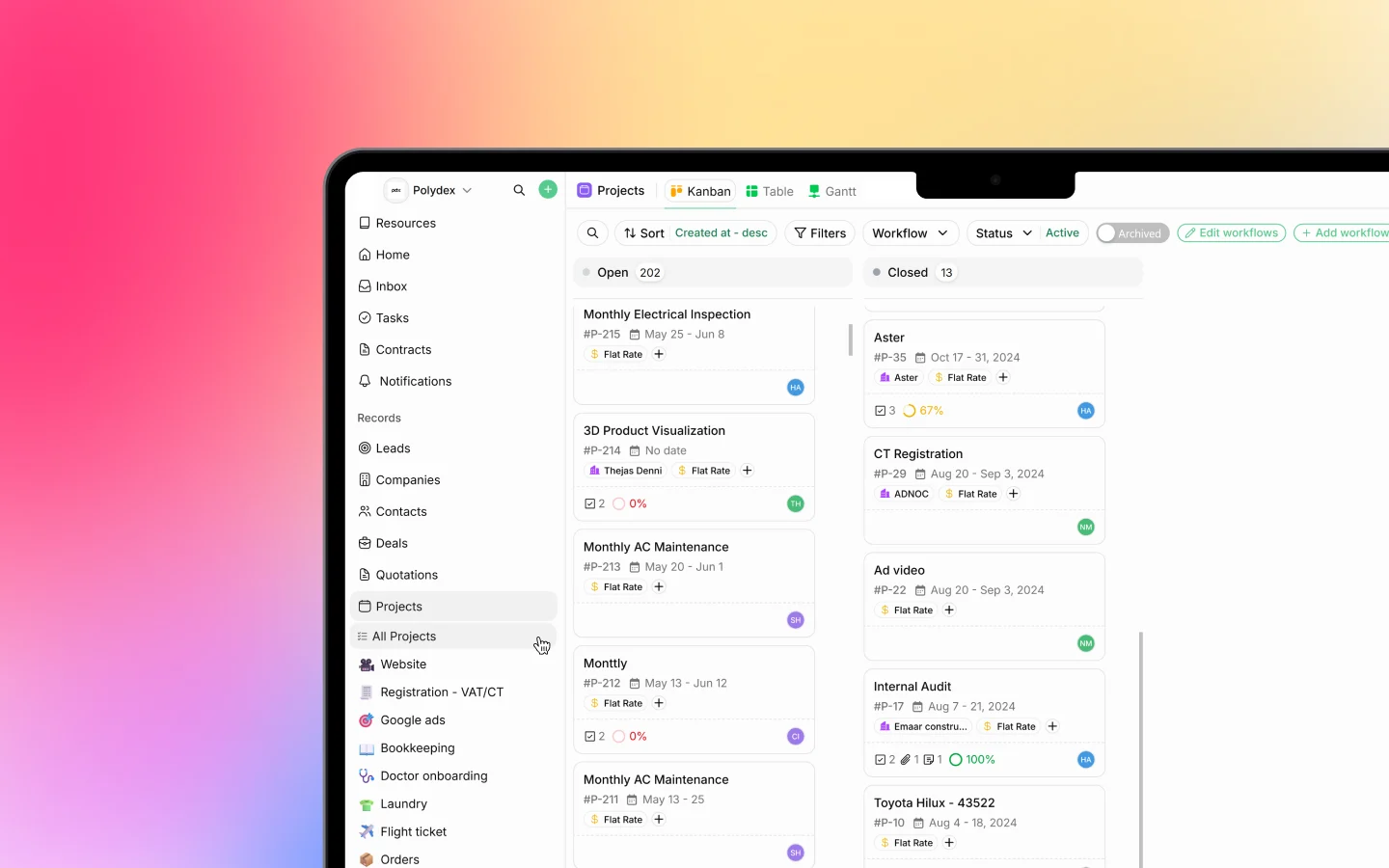
Organize work into projects and track tasks from start to finish.- Tasks: create, assign, and track the work
- Board, table, and Gantt views: see projects by status or on a timeline
- Timesheets: log hours, billable or non-billable
- Recurring projects: regenerate repeating work automatically
Supporting features
Alongside the core modules, these work across all your modules rather than standing alone:- Forms: capture information from clients or your team
- Automations: trigger actions automatically
- Files: store and share documents
- Wiki: keep internal notes and guides
- Inbox: handle WhatsApp, LinkedIn, and email in one place
- Reports and Templates: analyze data and reuse document designs
- Client Portal: give clients a space to view and pay
How modules work together
The real value comes from how the modules connect into end-to-end workflows.Lead to invoice
- Capture a lead in CRM
- Convert it to a deal when interest is shown
- Create a quote in Sales
- Convert the accepted quote into an invoice
- Record payments until it is fully paid
Project to billing
- Create a project in Projects
- Track tasks and log time as work progresses
- Invoice the client with billable time included
- Record payments against the work
Choosing your modules
During onboarding you select which features to activate, and you can adjust them later.- Start from a bundle suited to a business type, for example CRM with Sales, or Field Service with CRM, Sales, and Purchases
- Or activate individual modules to match specific needs
- If a feature you expect is missing, an admin can enable it.
Default features
Some things are in every workspace by default:- Settings: configure your workspace and preferences
- Templates: access and manage document templates
- Team management: owners and admins invite and manage members
Accessing your modules
Once active, reach your modules from:- The sidebar on the left
- The Apps page, which shows active modules as cards
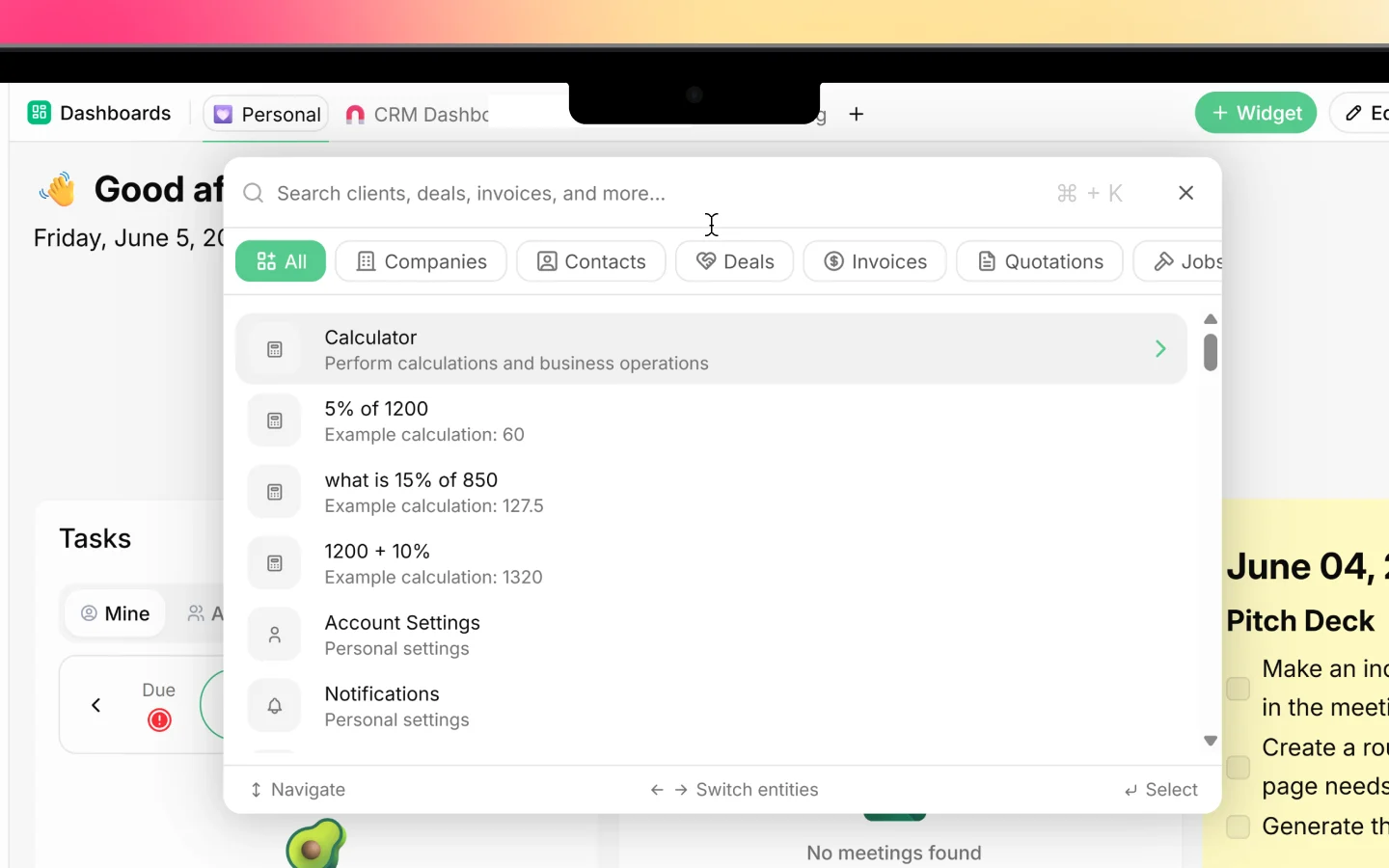
- The global search bar for quick access
What to do next
- Set up your workspace and activate your modules
- Read How Heffl is organized to see how everything fits
- Follow the quick start guide to get going