

What a proforma invoice is for
Use a proforma invoice when you need to give a client a formal document showing what they will be billed, before issuing the actual invoice. Common uses include:- Requesting an advance or deposit
- Confirming price and scope before work begins
- Providing a document for the client’s internal approval or budgeting
Creating a proforma invoice
- Go to Proforma in the sidebar
- Click + Proforma Invoice (or press C)
- Choose a template and currency
- Set the Date and Due date
- Select the Client and Contact
- Add line items with Qty, Rate, Discount, and Tax
- Save
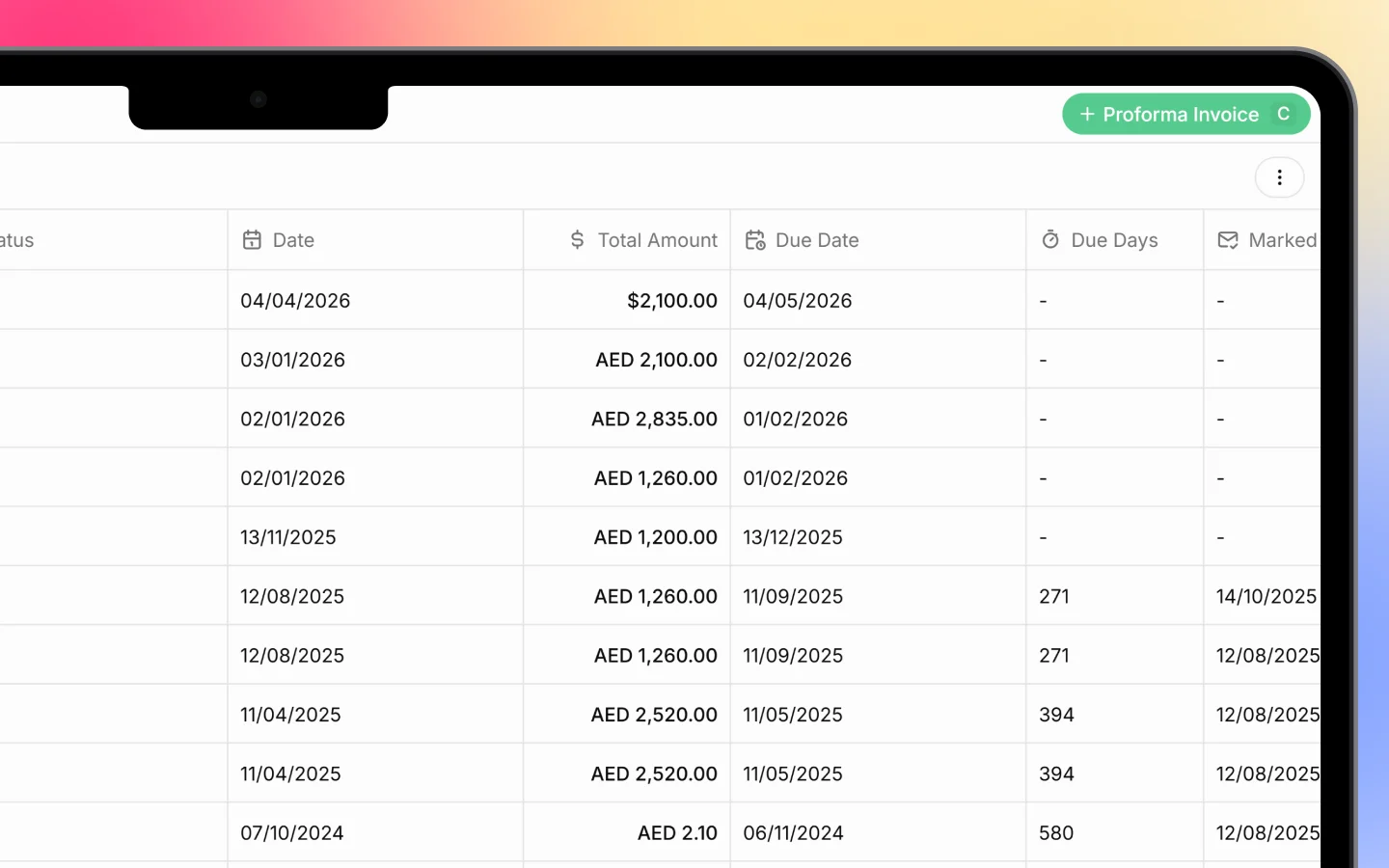
Proforma statuses
Each proforma invoice has a status shown in the list:- Draft, created but not yet sent
- Sent, delivered to the client
Customizing the list columns
You can choose which columns appear and their order, on this list and other record lists:- Click the three-dot menu in the top right
- Select View settings
- In the panel, use the controls beside each column to:
- Edit the column (pencil icon)
- Pin it so it stays visible while scrolling (pin icon)
- Remove it from the view (trash icon)
- Reorder columns by dragging the handle on the left
Exporting proforma invoices
To export your proforma list, click the three-dot menu and select Export. For a single proforma, use the print or export options within the document, the same as invoices.What to do next
- Raise the final invoice once the proforma is confirmed
- Record and collect payments such as advances
- Set up recurring invoices for repeat billing