

How contacts and companies relate
A company can have many contacts, but each contact belongs to one company. For example, the company “Epic Games” might have several contacts such as a primary buyer and an accounts person. One contact is marked as the Primary Contact, the main person you deal with at that company. The primary contact shows in the Contacts column of the company list.Linking a contact when adding a company
When you create a company, you can set its primary contact straight away:- Click Add Company
- In the Primary Contact field, select an existing contact or create a new one
- Finish adding the company
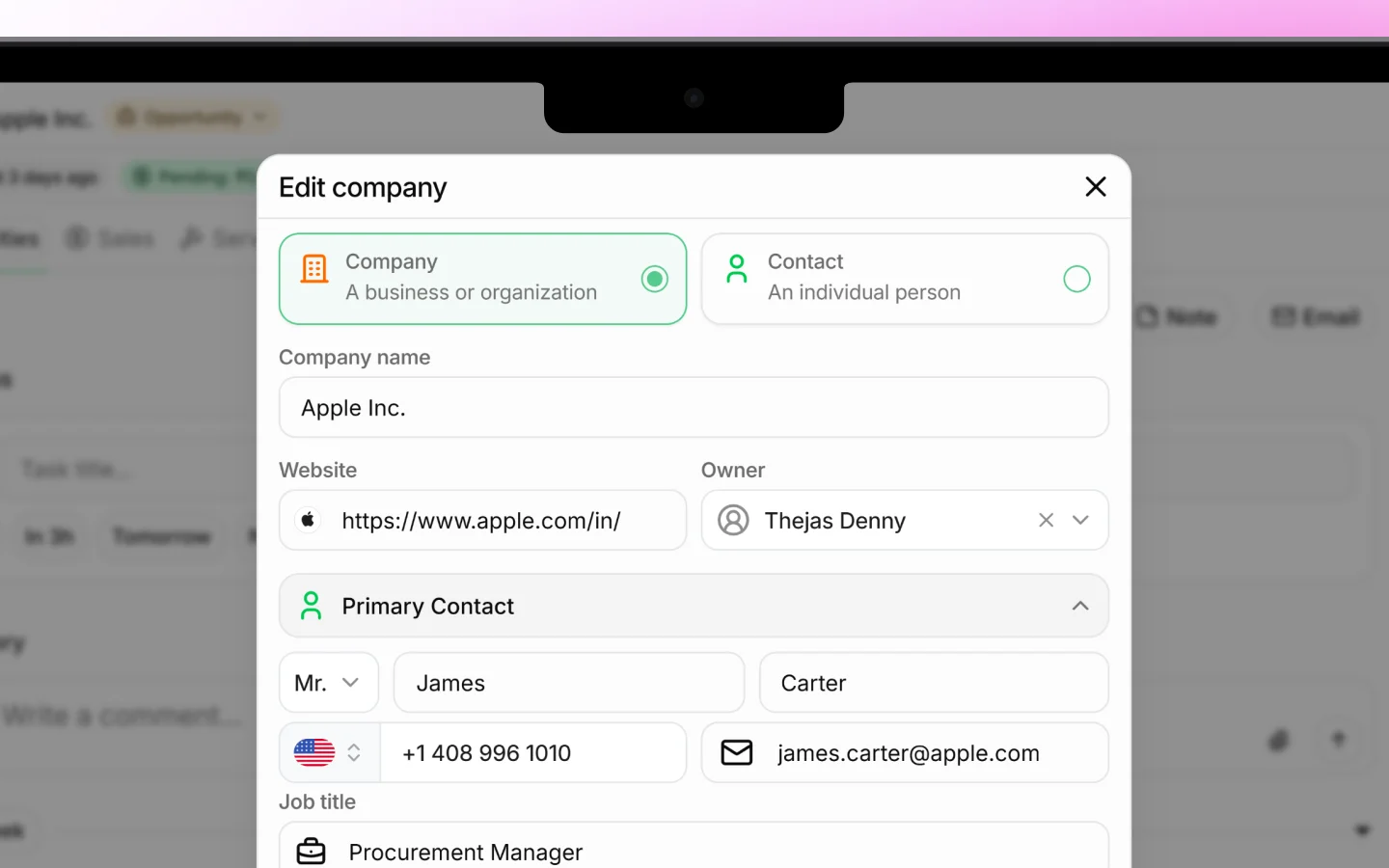
Linking a contact from the company record
To add or change contacts on an existing company:- Open the company by clicking its row in the Companies list
- Find the Contacts section
- Add an existing contact, or create a new one to link it
- Set or change which contact is the Primary Contact if needed
Linking from the contact side
You can also set the link when working with a contact:- Go to Contacts in the sidebar
- Open or create a contact
- Set the Company field to the business they belong to
Changing the primary contact
If the main person you deal with changes, update the primary contact:- Open the company record
- In the Contacts section, set a different contact as primary
Why linking matters
Linking contacts to companies keeps your data connected and useful:- Opening a company shows all its people at once
- Quotes and invoices can pull the right contact automatically
- You avoid duplicate or orphaned contact records
- Your team always knows who to reach at each business
What to do next
- Add and manage contacts in detail
- Create deals linked to a company and its contacts
- Send a quotation to a company’s primary contact