

Moving a single deal from the board
On the Deals board (the All view), deals sit in columns by status:- Find the deal card you want to move
- Click and hold it
- Drag it to the target column
- Release to drop it there
Moving a single deal from its detail view
For finer control over the specific stage within a pipeline:- Open the deal by clicking it
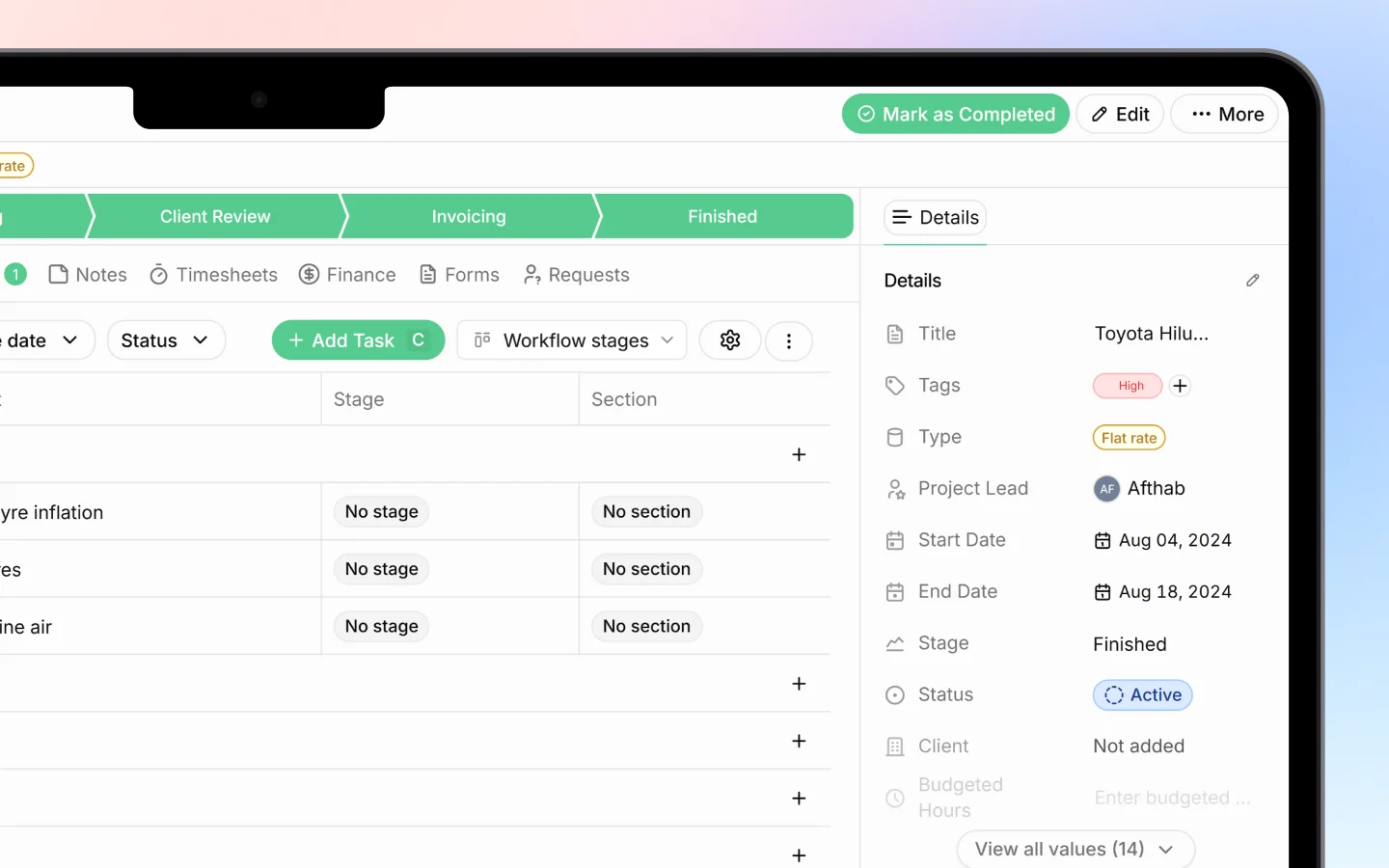
- At the top, you will see the stage bar with all stages for that pipeline
- Click the stage you want to move the deal to
Moving deals in the table view
Switch to the Table view if you prefer working from a list:- Open a deal’s stage cell, or use the row’s controls
- Select the new stage
What moving a deal records
Each time you move a deal, Heffl:- Updates the deal’s stage and status
- Logs the change in the activity timeline with the date and user
- Recalculates pipeline counts and total value
Tips for keeping stages accurate
- Move deals as soon as something changes, not in a weekly catch-up, so the pipeline reflects reality
- Use the closing stages (Won or Lost) only when the deal is truly decided
- Record a lost reason when marking a deal Lost, so you can learn from it later
- Avoid skipping stages unless your process genuinely allows it, since stage data feeds your reports
What to do next
- Convert a won deal into a project
- Send a quotation from a deal
- Review your pipeline totals to forecast revenue