

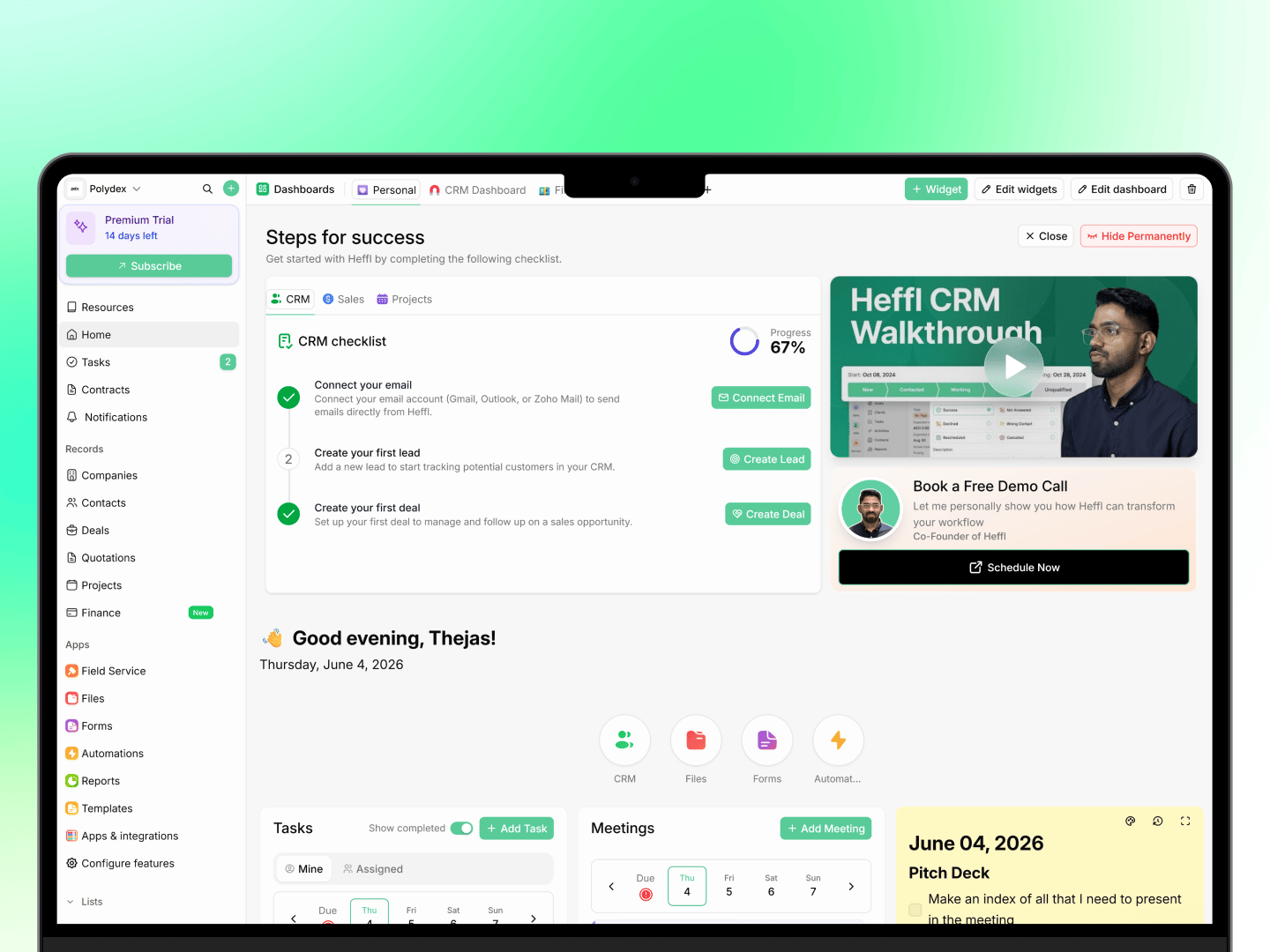
What can you do with Heffl?
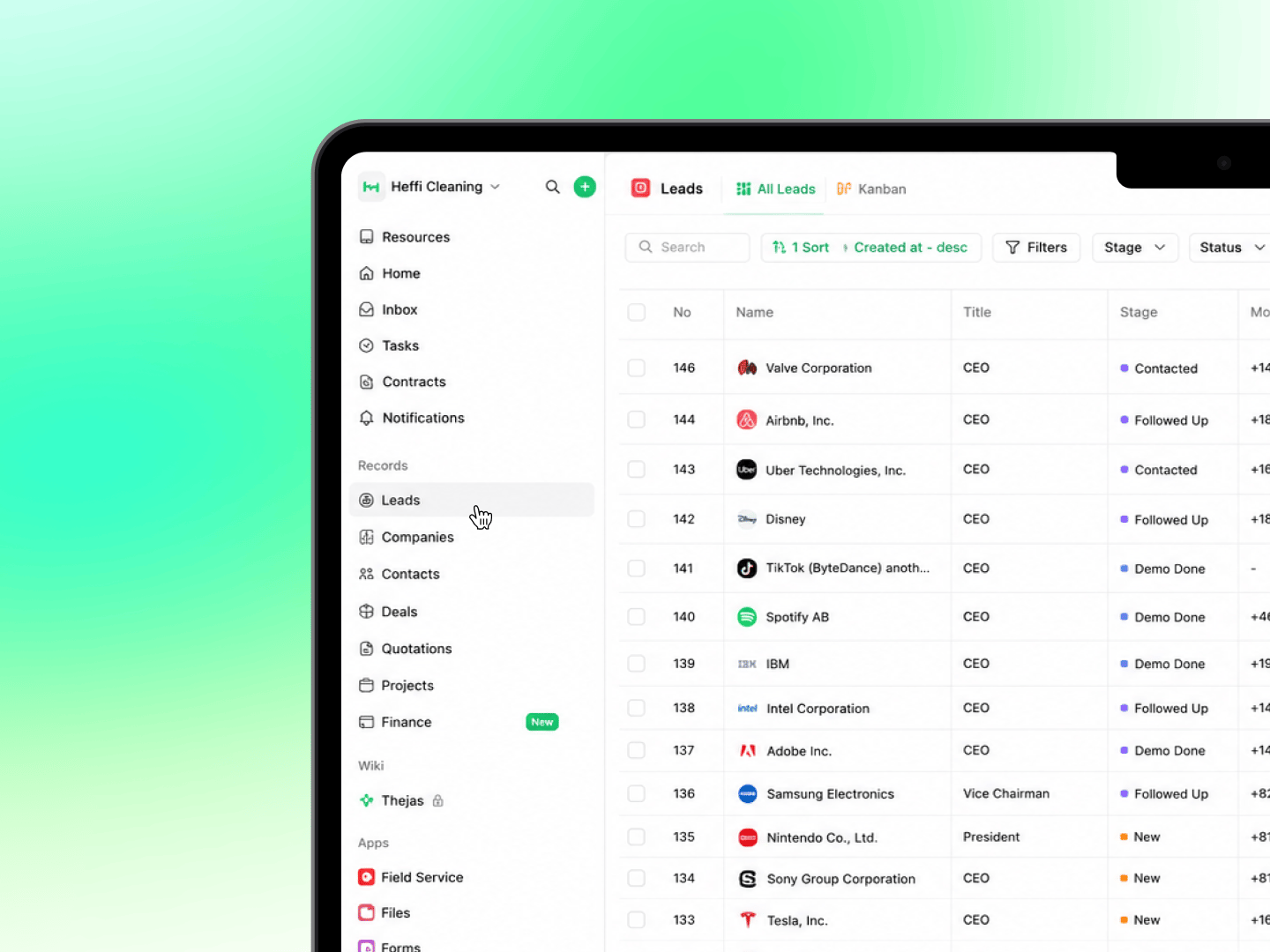
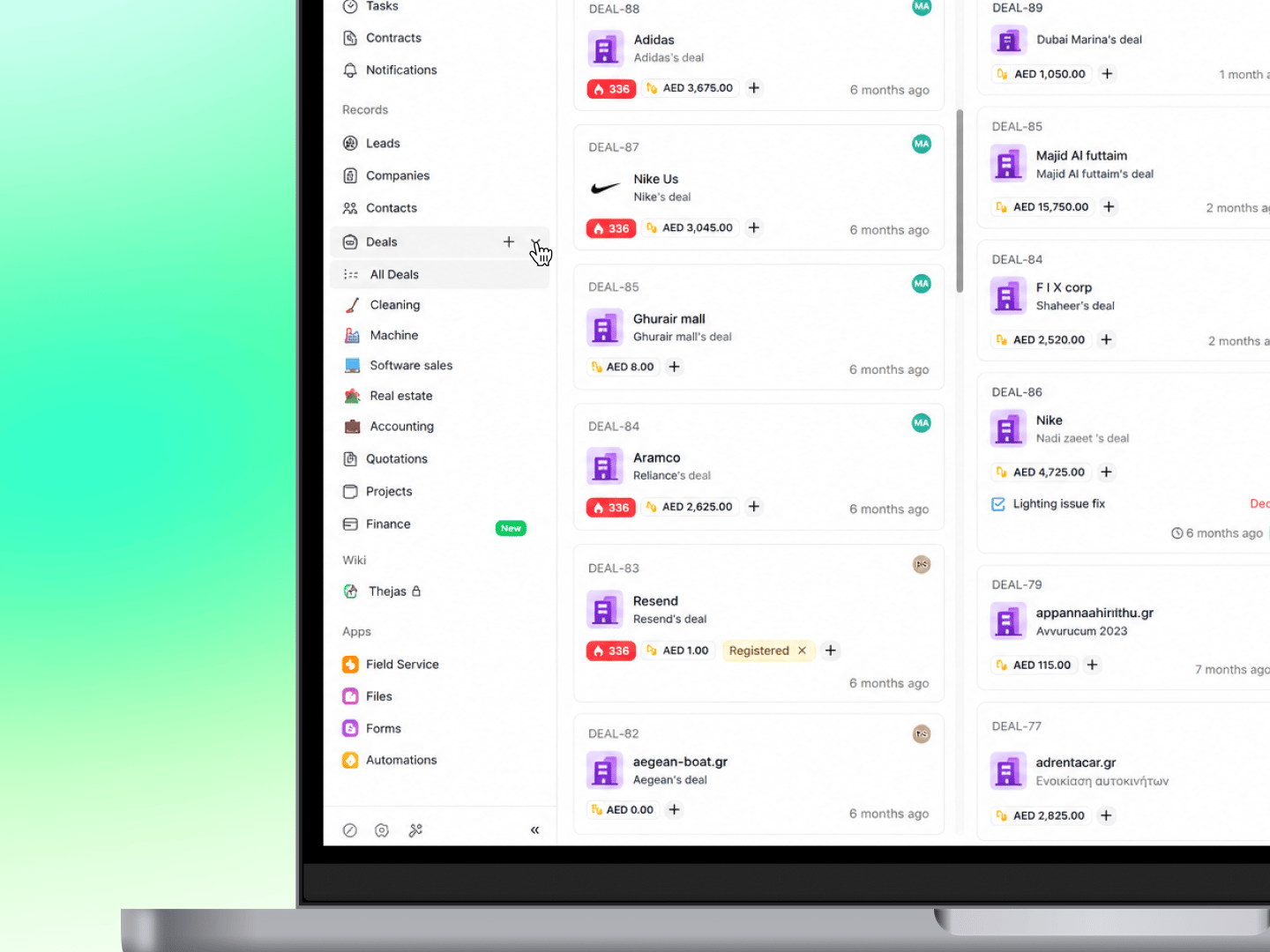
Track leads and dealsCapture leads from forms and other sources, track their status and activity, set follow-up reminders, and convert them into deals. Manage your sales pipeline visually, moving deals through stages without spreadsheets. See Managing leads and Moving deals between stages. Send quotes and invoices
Create professional quotations from templates, auto-fill client details from your CRM, and send them by email or through the client portal. Convert accepted quotes into invoices in one click, and track their status. See Creating and sending quotations. Collect payments
Record payments, track outstanding balances, and let clients pay online through Stripe or Telr. Set up recurring invoices for clients you bill on a schedule. See Payments: recording and collecting. Deliver projects
Plan work across your team with projects, tasks, timesheets, and recurring projects, viewable as a board, table, or timeline. See Introduction to project management in Heffl. Work with clients directly
Give clients a portal to view their quotes, invoices, and jobs, and to pay online, without contacting your team. See Setting up the client portal.
Getting started
New to Heffl? Follow these guides to set up your workspace:1
Create your account
Sign up at app.heffl.com and create your organization.
2
Invite your team
Add team members and assign roles with the right permissions.
3
Set up your CRM
Import contacts, configure deal pipelines, and define lifecycle stages.
4
Connect your tools
Link your email, calendar, and payment gateway in Settings > Integrations.
Need help getting started? Check our Getting Started guide for a step-by-step walkthrough.
How Heffl is organized
Heffl is built around connected areas that work together. The main ones are:- CRM: leads, deals, companies, and contacts, everything in your sales pipeline
- Sales and Finance: quotations, invoices, proforma, payments, products, and recurring invoices
- Projects: tasks, timesheets, and recurring work
- Field Service: jobs, schedules, and service reports
- Client Portal: a secure space for your clients
- Inbox: WhatsApp, LinkedIn, and email conversations in one view
- Wiki: internal notes and documents
- Apps: Forms, Automations, Files, Reports, Templates, and integrations
Who uses Heffl
Heffl is built for service businesses that manage clients, teams, and recurring work:- Small and medium businesses that want one platform for CRM, invoicing, and operations
- Field service companies like cleaning, pest control, and maintenance firms that schedule jobs and send teams on site
- Agencies managing multiple clients, projects, and deadlines
- Freelancers who need a simple way to manage clients, quote, deliver, and get paid
What’s new
Heffl updates regularly. The What’s new changelog tracks the latest features and improvements, worth checking after each release.Ready to get started?
Setting up Heffl takes only a few minutes. See How to sign up and log in to create your account, then the Quick start guide to find your way around.What to do next
- Sign up and log in to create your workspace
- Follow the quick start guide to get oriented
- Invite your team members and start working
Give clients a portal to view their quotes, invoices, and jobs, and to pay online, without contacting your team. See Setting up the client portal.
1
Create your account
Sign up at app.heffl.com and create your organization.
2
Invite your team
Add team members and assign roles with the right permissions.
3
Set up your CRM
Import contacts, configure deal pipelines, and define lifecycle stages.
4
Connect your tools
Link your email, calendar, and payment gateway in Settings > Integrations.
- Sign up and log in to create your workspace
- Follow the quick start guide to get oriented
- Invite your team members and start working