

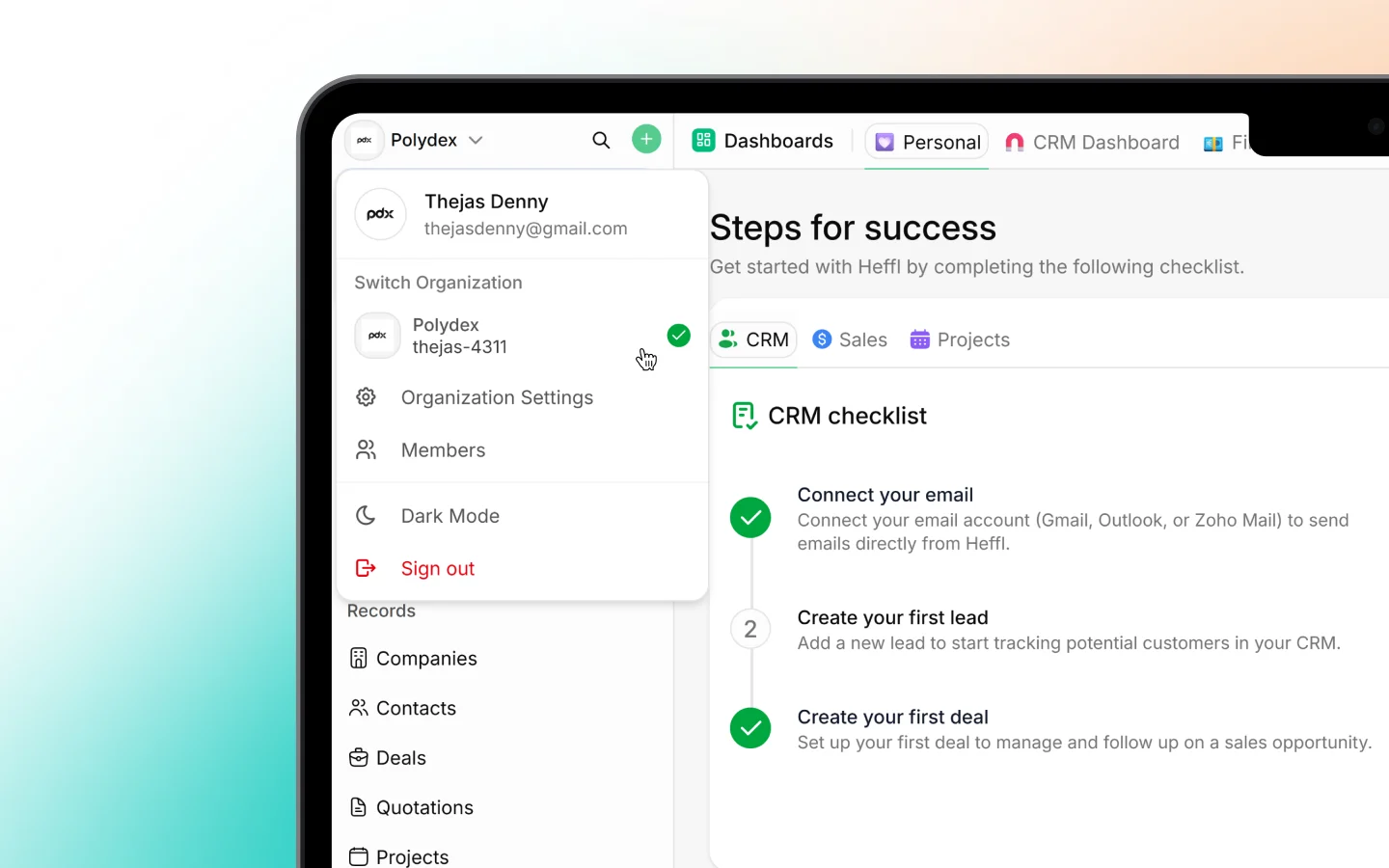
Organization
The Organization screen holds your company-level details: company name, logo, address, contact information, default currency, and timezone. These appear on documents you send to clients, such as quotes and invoices, so keep them accurate. See Setting up your workspace for the full setup.Clients
The Clients settings control defaults for how companies and contacts behave, such as client types and related options. Your actual client records live under Companies and Contacts; this screen configures the settings behind them. See Adding and managing companies.Tags
Tags are the labels you attach to records to group and filter them (such as VIP or Medical). This screen is where you create, rename, and manage the workspace’s tag list, so your team uses a consistent set rather than ad-hoc labels.Lists
Lists are saved groups of records, such as VIP Clients or Hot deals, that appear in your sidebar for quick access. This screen manages those lists at the workspace level.Zones
Zones define geographic areas, useful for field service businesses that organize work or staff by region. Set up your zones here so jobs and scheduling can reference them.Objects
Objects let you extend Heffl with custom record types beyond the built-in ones (leads, deals, and so on). This is where you define custom objects to model data specific to your business.Custom fields and field mappings
Two related screens control your data structure:- Custom fields add your own fields to records (such as a contract end date or tank size). See Creating and managing custom fields.
- Field mappings control how data carries across when records convert, for example which fields flow from a lead into a deal, so information is not lost in the handoff.
Module configuration
Several Organization items configure a specific module. These are documented in their own sections, so here is just what each one does:- CRM settings configure leads, deals, pipelines, and stages. See Working with the deals pipeline.
- Sales settings configure quotations, invoices, and related defaults. See Creating and sending quotations.
- Projects settings configure project workflows and stages. See Introduction to project management in Heffl.
- Field service settings configure jobs, schedules, and field options. See Introduction to field service.
- Inbox settings configure your connected conversation channels. See Inbox: managing conversations.
- Integrations connect third-party tools. See Integrations and connected apps.
- Client Portal settings control the portal your clients log into. See Setting up the client portal.
Numbering and document templates
Two more Organization items, Module numbers and Document templates, control record numbering and your shared document designs. These are covered together in Numbering and document templates.Developers
The Developers screen is where you find your API key for building custom integrations. See Using the Heffl API.Roles and team access
Managing who can see and do what, inviting members, assigning roles, and setting permissions, is covered in Inviting your team members.What to do next
- Confirm your organization details are accurate
- Set up custom fields and tags for your business
- Review numbering and document templates